
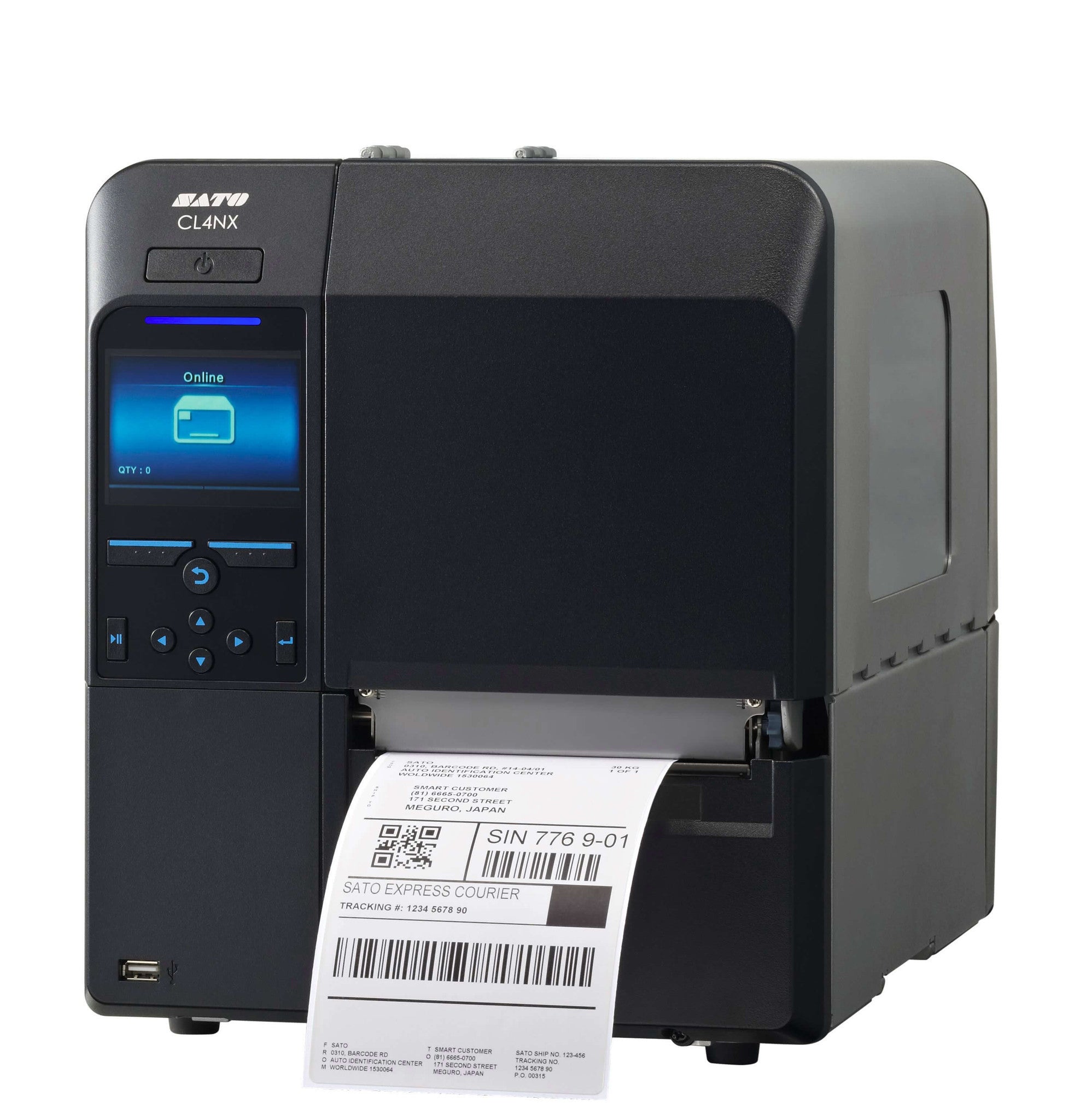
- Full color interactive LCD with intuitive menu and printer instruction videos
- Tool-less maintenance
- Flexible media support – Prints on a wide variety of stock types
- Multiple interfaces included – auto switching
- Competitive emulations on-board
- Multi-language support
See DataSheet
To use this printer, simply connect it to your power source and the appropriate network if you’re using the Wireless LAN feature. Load your desired media type onto the printer. Navigate the full color interactive LCD’s intuitive menu to set your printing preferences. If you need help, there are printer instruction videos available. For maintenance, it’s tool-less, which makes it easy. Just be sure to keep the printer clean. When choosing media, it supports a wide variety of stock types. And don’t worry about the interfaces as they have auto-switching. Also, be aware of the printer’s emulations if you’re using specific software. And since it has multi-language support, you can set it to your preferred language for easier operation.
Be the first to review “WWCL00281, CL408NX, CL4NX Series Sato 4.1″ Thermal Printer Grey Outlet Store Online”
Related products

Discount Zone

Discount Zone


Discount Zone
Reviews
There are no reviews yet.